Relationships
-
Start PortX. The Transaction Monitoring Page appears.
-
In the left-hand navigation pane, in the CONFIGURATION section, click Partners and Applications. The Partners and Applications Page appears.
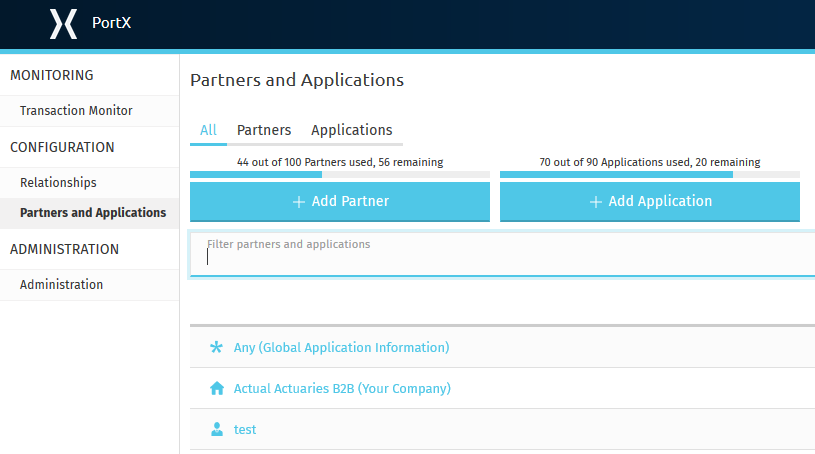
Figure 1. Partners and Applications Page
-
In the Partners section of the left-hand navigation pane on the Company Information Page, click Relationships.
The Relationships Page appears.

Figure 2. Relationships Page